Transcribe Videos Online

Automatically transcribe videos from YouTube, TikTok, and more.

Supported platforms

or

Everything you need to turn speech into text.

Five reasons creators, researchers and teams use GPTScribe instead of fiddling with a clunky desktop transcriber or paying a per-minute service.

Hand-drawn doodle of a microphone with a ribbon of typed text

99.8% accuracy on real-world audio

GPTScribe is built on a state-of-the-art multilingual speech model that has been fine-tuned on noisy, real-world recordings — not just clean studio audio. That means it stays accurate when you have overlapping voices, soft accents, background music in a YouTube clip, the hiss of a phone interview, or the low hum of a coffee-shop meeting. Punctuation, casing and paragraph breaks are added automatically so the transcript reads like something a human would type, not a wall of words. In our internal benchmarks the system reaches a word-error rate of around 0.2%, which means you typically get fewer than two mistakes for every thousand words — close enough that most users publish the output with only a quick polish.

Hand-drawn doodle of an hourglass with a lightning bolt

Finished transcripts in seconds, not days

Paste a link or drop a file and GPTScribe goes to work immediately. There is no upload queue, no “your job is in position 42 of 87”, no waiting for a human to type it up overnight. A typical ten-minute podcast finishes in well under a minute on our infrastructure, and even an hour-long lecture is usually ready to read before you have time to refill your coffee. Long files are streamed and processed in parallel chunks so wall-clock time stays low. You see live progress in the browser, and the moment the last segment lands you can scroll, search, edit, or hit download — no separate “your transcript is ready” email, no follow-up step.

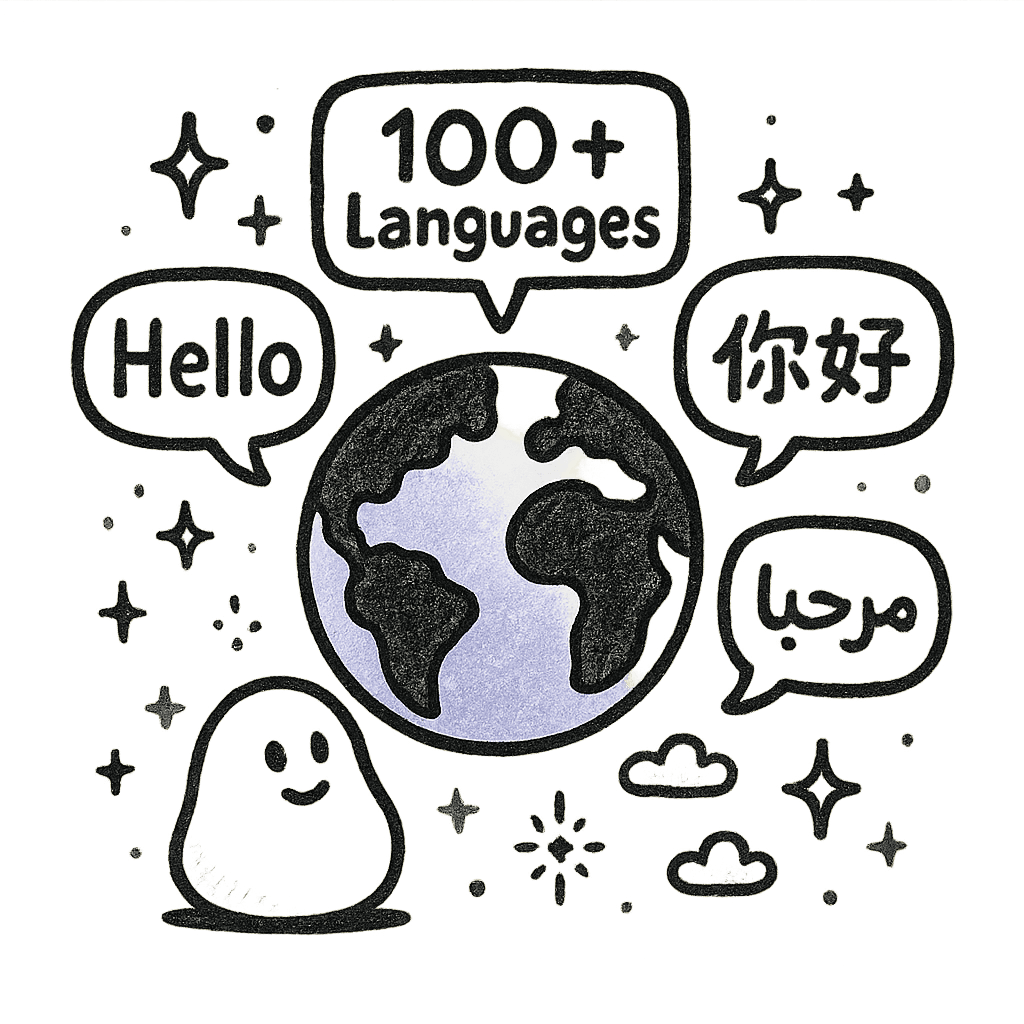
Hand-drawn doodle of a globe surrounded by speech bubbles in many scripts

100+ languages, automatic detection

GPTScribe speaks over a hundred languages out of the box, from globally common ones like English, Mandarin, Spanish, Hindi, Arabic and Portuguese to long-tail languages and regional dialects that most transcription tools quietly drop. You do not have to know which language your file is in — leave the source dropdown on Auto and the model figures it out from the first few seconds. If you need an English version of a Japanese interview or a Spanish version of an English lecture, pick a target language from the second dropdown and you get both the original transcript and a clean, paragraph-level translation. Code-switching mid-sentence is handled gracefully, which is rare in this category.

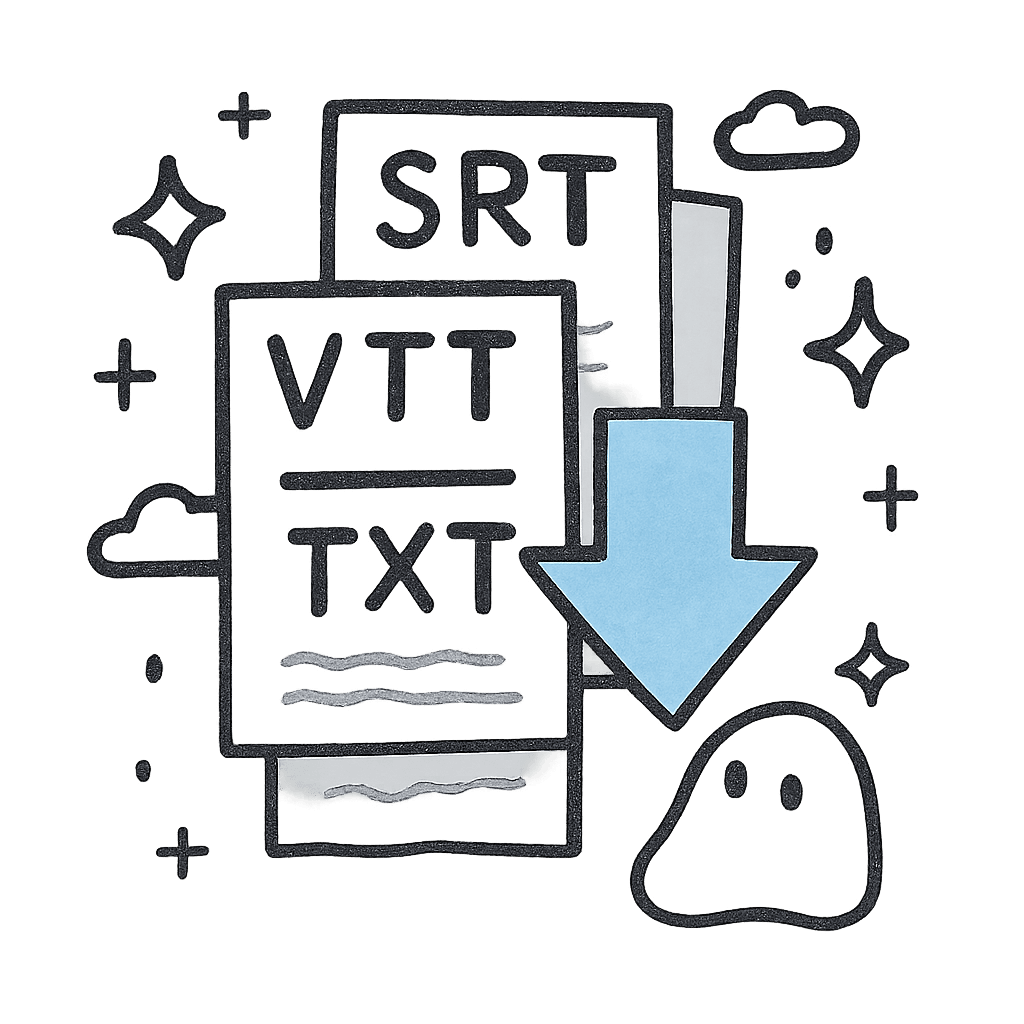
Hand-drawn doodle of stacked SRT, VTT, and TXT files

Polished exports: SRT, VTT and TXT

Every transcript can be downloaded in three formats with a single click. SRT and VTT are pre-segmented for video — timecodes are line-broken at the right length so they actually fit on screen, not jammed into impossible thirty-character blobs. Plain TXT exports give you clean paragraphs with speaker breaks and no extra metadata, ready to paste into a doc, an LLM prompt, or your CMS. Everything happens in the browser, so there are no third-party uploads and no “convert to my format” extra step. Subtitles are valid out of the box and import cleanly into Premiere, Final Cut, DaVinci Resolve, CapCut, YouTube Studio and basically every editor we have tested.

Hand-drawn doodle of a friendly padlock sitting on a folder

Private, no signup, free forever

There is no sign-up wall, no credit card, no “start your free trial” trap. Open the page, paste your link or drop your file, get a transcript — that is the entire flow. Your audio is processed over an encrypted connection and is automatically removed from our servers shortly after the transcript is delivered; we do not keep your recordings to train models, and we do not resell them. Because everything runs in your browser there is nothing to install and no extension to grant unfamiliar permissions to. Free users get three full transcripts every single day with no length cap, which is genuinely enough for most students, journalists, and solo creators.

Loved by people who work with words.

Writers, researchers, podcasters and editors who switched to GPTScribe and stopped thinking about transcription.

We used to pay a per-minute transcription service and still spend half a day cleaning the output before it was even readable. With GPTScribe a one-hour episode is ready before the kettle boils and the punctuation is honestly better than what we used to ship to advertisers. The fact that SRT exports come out pre-segmented for YouTube means our junior editor stopped touching captions entirely, which freed up easily five hours every week we now spend on actual storytelling instead of timecode arithmetic.
Maya LinPodcast producer
I run twenty to thirty hours of interview audio every month across English, Yoruba and French, often mixed inside the same conversation. Nothing else I have tried handles code-switching this gracefully — most tools just smear it into nonsense or guess one language for the whole file. GPTScribe gives me clean, speaker-separated paragraphs I can paste straight into NVivo without an hour of repair work, and the auto-detect picks the right language even when participants flip mid-sentence. It has quietly become the single most useful tool in my entire research workflow.
Dr. Adesina OkaforQualitative researcher
On deadline I do not have time to babysit an upload bar or chase a transcript that supposedly arrives by morning. I drop a recorder file in, fact-check the previous paragraph on the side, and the searchable transcript is waiting in the same tab when I switch back. The translation pass turned a Korean source interview into a perfectly usable English draft in less time than it took me to find a quiet coffee shop on the right block. I genuinely cannot go back to the old workflow now.
Jamie ParkIndependent journalist
We used to pay a per-minute transcription service and still spend half a day cleaning the output before it was even readable. With GPTScribe a one-hour episode is ready before the kettle boils and the punctuation is honestly better than what we used to ship to advertisers. The fact that SRT exports come out pre-segmented for YouTube means our junior editor stopped touching captions entirely, which freed up easily five hours every week we now spend on actual storytelling instead of timecode arithmetic.
Maya LinPodcast producer
I run twenty to thirty hours of interview audio every month across English, Yoruba and French, often mixed inside the same conversation. Nothing else I have tried handles code-switching this gracefully — most tools just smear it into nonsense or guess one language for the whole file. GPTScribe gives me clean, speaker-separated paragraphs I can paste straight into NVivo without an hour of repair work, and the auto-detect picks the right language even when participants flip mid-sentence. It has quietly become the single most useful tool in my entire research workflow.
Dr. Adesina OkaforQualitative researcher
On deadline I do not have time to babysit an upload bar or chase a transcript that supposedly arrives by morning. I drop a recorder file in, fact-check the previous paragraph on the side, and the searchable transcript is waiting in the same tab when I switch back. The translation pass turned a Korean source interview into a perfectly usable English draft in less time than it took me to find a quiet coffee shop on the right block. I genuinely cannot go back to the old workflow now.
Jamie ParkIndependent journalist
My channel ships in Spanish and English every week and captioning used to be the boring part that delayed every single upload by a full day. GPTScribe transcribes the locked cut, hands me a clean SRT with sane line breaks, and the auto-translation handles the second language without me having to type a single word or copy-paste anything between tools. My retention on non-native viewers is measurably up by double digits, and my time per video is down by hours — those hours are the difference between burnout and a sustainable channel.
Sofía ReyesYouTube creator
I record every lecture and seminar I sit in and the searchable transcripts are an unfair advantage I will probably never give up. Two clicks turn a 90-minute class into a readable document I can highlight, quote in my notes, and feed into a study prompt without spending the whole evening transcribing by hand. Three free transcripts a day cover me through the entire week including review sessions, and I have not paid a single cent yet. I am telling everyone in my entire cohort about it.
Theo MarchettiGraduate student
We cut documentaries from hundreds of hours of raw source material, and the bottleneck has always been finding the right line in the right tape at the right moment. GPTScribe gave us reliable, time-coded transcripts for the entire archive in a single afternoon — something that used to be a multi-week intern project we dreaded budgeting for. Pulling selects is now a casual Cmd-F instead of a six-hour scrub session in a dark room, and assemblies happen in days rather than weeks. It paid for itself within the first project.
Priya IyerDocumentary editor
My channel ships in Spanish and English every week and captioning used to be the boring part that delayed every single upload by a full day. GPTScribe transcribes the locked cut, hands me a clean SRT with sane line breaks, and the auto-translation handles the second language without me having to type a single word or copy-paste anything between tools. My retention on non-native viewers is measurably up by double digits, and my time per video is down by hours — those hours are the difference between burnout and a sustainable channel.
Sofía ReyesYouTube creator
I record every lecture and seminar I sit in and the searchable transcripts are an unfair advantage I will probably never give up. Two clicks turn a 90-minute class into a readable document I can highlight, quote in my notes, and feed into a study prompt without spending the whole evening transcribing by hand. Three free transcripts a day cover me through the entire week including review sessions, and I have not paid a single cent yet. I am telling everyone in my entire cohort about it.
Theo MarchettiGraduate student
We cut documentaries from hundreds of hours of raw source material, and the bottleneck has always been finding the right line in the right tape at the right moment. GPTScribe gave us reliable, time-coded transcripts for the entire archive in a single afternoon — something that used to be a multi-week intern project we dreaded budgeting for. Pulling selects is now a casual Cmd-F instead of a six-hour scrub session in a dark room, and assemblies happen in days rather than weeks. It paid for itself within the first project.
Priya IyerDocumentary editor

Frequently asked questions

Quick answers to the things people ask before pasting a link or uploading a file.

Is GPTScribe really free?

Yes — the core product is free and there is no sign-up required to use it. Every visitor gets three full transcripts every day with no per-minute cap, which is enough for most students, podcasters and solo journalists to never hit a paywall. We do not ask for a credit card, we do not start a hidden trial, and we do not lock features like SRT export, VTT export or translation behind an account. If you hit your free quota for the day, the limit resets automatically the next day. Heavy users (teams shipping hundreds of hours a week) can contact us about a paid tier, but it is genuinely optional and the free product is fully featured.

How accurate is the transcription?

On clean to moderately noisy audio GPTScribe lands around 99.8% word-level accuracy in English, and similar numbers across the other major languages we support. That is close to professional human transcription, and meaningfully better than the free auto-captions on most video platforms. Accuracy holds up well on real-world recordings with light background noise, music beds, soft accents and multiple speakers — the underlying model was specifically trained to be robust to those conditions instead of pristine studio audio. For technical jargon, brand names, or specialty vocabulary, we recommend a quick read-through; that is usually the only place where small fixes are needed.

Which languages and accents are supported?

GPTScribe supports more than a hundred spoken languages, including English (US, UK, Australian, Indian and more), Mandarin and Cantonese, Spanish, Portuguese, French, German, Italian, Japanese, Korean, Hindi, Bengali, Arabic, Russian, Turkish, Vietnamese, Indonesian, Thai, Polish, Dutch, Swedish and many more. You can leave the source language on Auto and the model will detect it from the first few seconds of audio, even on multilingual recordings where the speakers switch back and forth. You can also pick a target language to receive a clean translated version alongside the original transcript, which is especially useful for interviews, courses and content that needs to ship in more than one market.

What audio and video formats can I upload?

GPTScribe accepts essentially every consumer audio and video format you are likely to have. Audio: MP3, WAV, M4A, AAC, FLAC, OGG, OPUS, WMA and voice-memo formats. Video: MP4, MOV, MKV, WEBM, AVI, FLV and 3GP. If you do not have a file you can also paste a link from YouTube, TikTok, Vimeo, Instagram, Facebook, X, Twitch, Discord and the rest of the supported platforms — we automatically pull the audio track and skip the manual download step. There is no fixed per-file size limit for typical use, and long files are streamed and processed in parallel chunks, so an hour-long lecture transcribes about as fast as a ten-minute clip.

Is my audio private? Do you keep my files?

Your audio is uploaded over an encrypted HTTPS connection and is only used to generate your transcript. Files are automatically removed from our servers shortly after the transcript is delivered to your browser — we do not retain your recordings, we do not train models on them, and we do not share or resell them to any third party. There is no account attached to the upload, so there is also no profile being built up around you. If your organisation has stricter compliance requirements (HIPAA, internal legal review and so on), reach out and we can talk through self-hosted and contractually-locked-down options.

Can I use the transcripts commercially?

Yes. You own the output. Whatever you transcribe with GPTScribe — captions for a paid course, subtitles for a client video, an article built from an interview, internal meeting notes — is yours to use, edit, publish, and monetise without attribution. There is no license that grants us a back-door right to your transcripts or your source recordings, and you do not have to credit GPTScribe in your published work (though we always appreciate it when you do). The only thing we ask is that you do not knowingly transcribe content that you do not have permission to process, since that is on you and not on us.

Transcribe your first file. It's free.

Paste a link or drop an audio/video file at the top of the page — your transcript is ready in seconds.

Start transcribing